Three weeks after starting, I published Pool Max, my mobile 8-ball game. I built it with a vibe-coding workflow: describe a feature to Codex, play the result, spot what feels wrong, and iterate. Today, players complete roughly 30 matches a day. Seeing real matches every day is the best reminder that the game is no longer just a project on my computer.
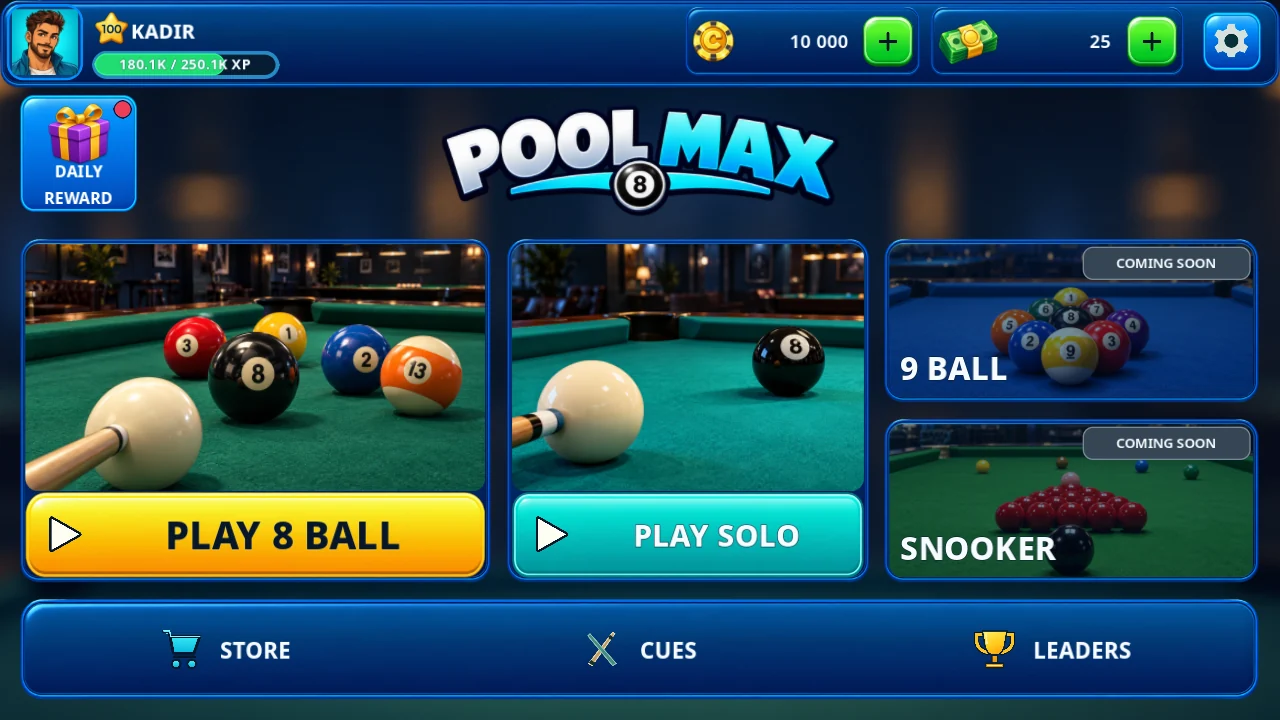
You can see the game on the Pool Max website. Here is how it went from a rough prototype to a Google Play release, including the parts I would change next time.
Why I chose Godot
I wanted an engine that would stay out of the way while I experimented. Godot is lightweight, starts quickly, and supports multiple platforms. That mattered when I was moving between a desktop development loop and an Android game.
Codex also worked well with Godot through Godot MCP. I could turn a requirement into a scene or code change, run the game, show what was wrong, and ask for the next adjustment. The useful part of AI-assisted development was not a magic prompt that built the whole game. It was the speed of that feedback loop.
First, make the shot fun
My first milestone was a playable prototype, not a polished menu. The design was primitive. I focused on whether aiming and shooting felt satisfying, whether the balls behaved predictably, and whether obvious bugs interrupted a match. A pretty screen would not have helped if the physics made a shot feel unfair.
I also mapped the core player flows before dressing them up: entering the game, starting a match, taking a turn, handling the result, and choosing what to do next. That map helped me see which screens and controls were essential for a first release.
Turning screenshots into a real interface
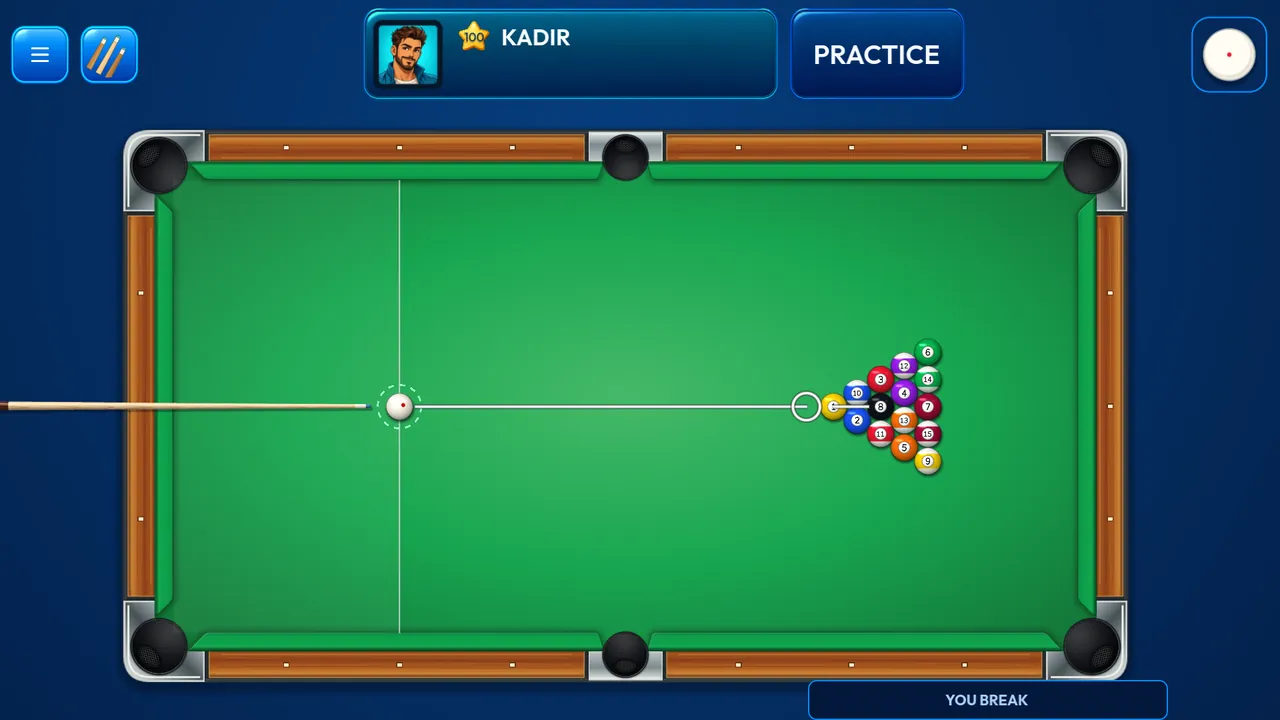
Before generating assets, I listed the UI elements the prototype actually needed: buttons, panels, player information, match controls, and feedback for the next action. Then I used Codex to turn those needs into design requirements and screenshot concepts.
Once I had a visual direction, I used Codex Goal mode to work from the screenshots toward a pixel-perfect implementation. I compared the running game with the reference, corrected spacing and proportions, and repeated. Some screens took several passes. The screenshot was a concrete target, not a substitute for checking the game on a device.
I shipped before everything was perfect
I did not wait for the game to feel finished. Some parts were rough and some issues were still there when I submitted it to Google Play. Getting a real build into players’ hands showed me which fixes mattered most. I released follow-up versions quickly instead of holding the whole project until every detail was settled.
You can play Pool Max on Google Play.
The low-end Android performance detour
The hardest technical surprise was performance on lower-end phones. The Godot 4 build did not behave the way I wanted on every device, so I had to downgrade to Godot 3.6/GLES2 in a separate migration project. I tested the port on a Galaxy J7.
The current Google Play build still uses Godot 4.7.2 Compatibility. The 3.6 port is a tested migration prototype, and I am continuing it before it can replace the full production game. It has already changed how I think about choosing an engine version: test on the weakest target device early, not after the interface and gameplay are built.
What I would do differently
If I started again, I would create a reusable UI component library before implementing the full interface. I would separate buttons, cards, panels, and status elements into components with shared rules, then build screens from those pieces. I arrived at visual consistency through repeated corrections; a component library would have given me that consistency earlier.
The three-week release taught me that vibe coding is most useful when it makes iteration cheap. A prototype tells you whether the game is fun. Screenshots give the UI a target. Real devices reveal performance problems. Players tell you which fixes to ship first. Each loop moved Pool Max closer to the game I wanted to make.